If you are searching for the best workflow automation software for SMB, you are likely looking to eliminate tedious repetitive tasks and boost productivity. Small and medium-sized businesses often struggle with time wasted on manual processes like data entry, approvals, and handoffs, all of which drain resources and slow growth.
Workflow automation software changes that equation. These platforms automate repetitive tasks by executing predefined rules and actions across apps, helping small teams save time, cut errors, and scale processes efficiently. As Atlassian's guide to workflow automation software explains, this technology streamlines operations without requiring complex setups or large IT teams.
For SMBs, the appeal is straightforward: these tools are cost-effective, accessible, and require minimal technical expertise to get running. The rise of low-code automation tools has been particularly important, enabling non-technical users to build automations visually with little or no coding. Business process automation software goes a step further by modeling and analyzing end-to-end processes like approval chains, onboarding sequences, and invoicing workflows. In this post, we will compare top options (including n8n, Zapier, and Make) and provide the insights you need to choose the right tool for your business.
Understanding Workflow Automation
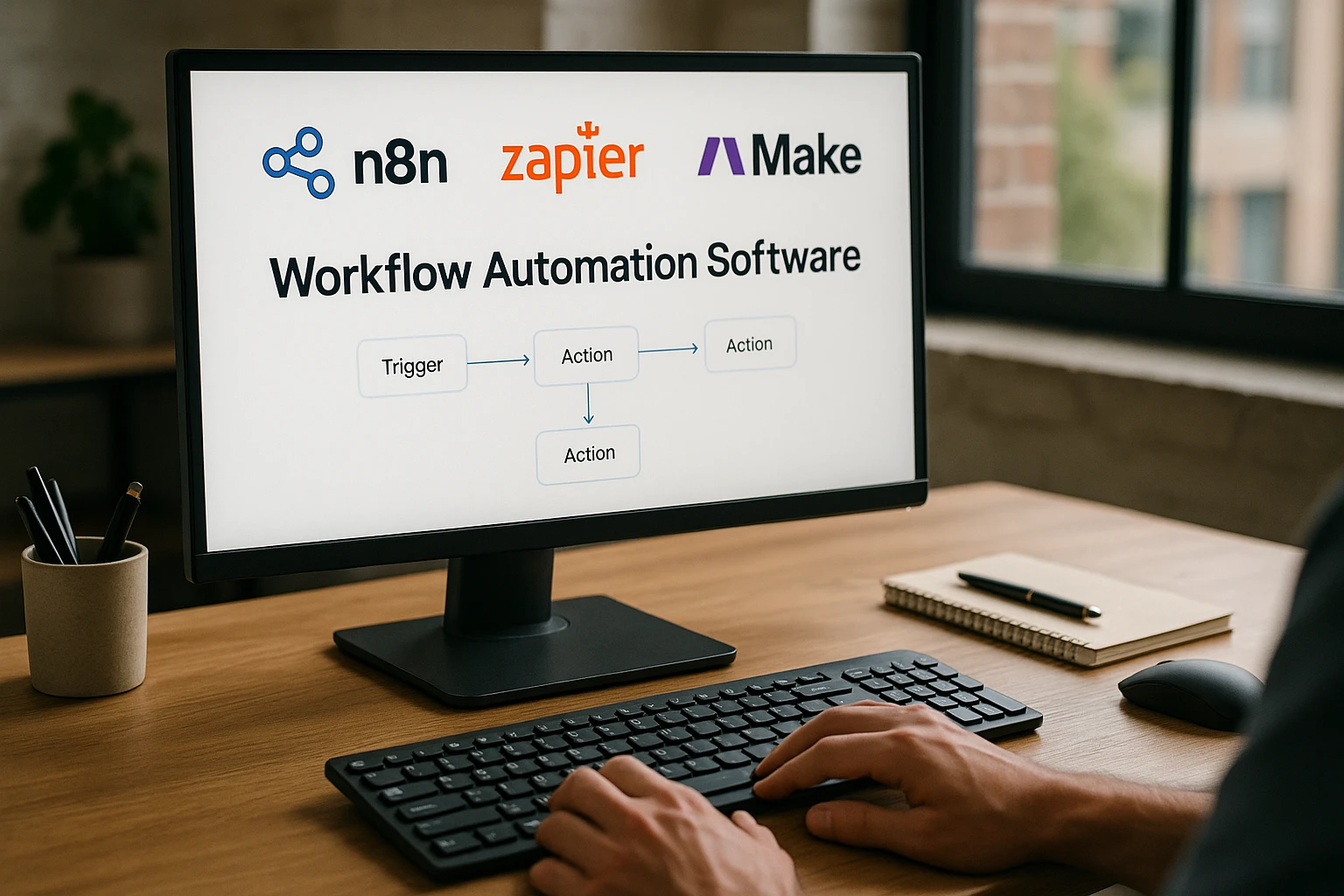
Workflow automation means automating repetitive tasks such as data entry, approvals, notifications, and data synchronization. It works through a simple logic of triggers, conditions, and actions that execute across multiple connected tools. For SMBs, this is a natural fit because it cuts busywork without demanding big IT investments or specialized staff.
Low-code automation tools are central to this shift. They let non-technical users build and maintain automations through visual interfaces, drag-and-drop builders, and pre-built templates. Business process automation software takes things further by modeling, automating, and analyzing complete processes from start to finish, covering everything from employee onboarding to invoice processing. As outlined in Wrike's workflow management software overview, these systems boost efficiency across the board by handling routine work and freeing teams for strategic tasks.
Benefits for SMBs
Workflow automation software delivers significant advantages for small and medium-sized businesses. It increases efficiency by turning multi-step manual tasks into automated flows, allowing teams to execute faster and focus on high-value work. Cost savings are substantial as well, since reducing manual labor means fewer errors in data entry and handoffs, which is especially important for budget-conscious SMBs where mistakes cost both time and money. Scalability is another key benefit, as businesses can add more automated processes without growing headcount proportionally.
Real-world examples illustrate the impact clearly. In email marketing, automation can segment contacts and trigger campaigns based on form submissions or e-commerce events, keeping outreach timely and relevant. For invoicing and accounts receivable, automation generates invoices from closed deals and notifies the finance team when payments arrive, speeding up cash flow. In project management, tasks and issues are created automatically with the right fields populated and stakeholders notified on status changes, keeping projects moving without manual oversight.
These benefits of AI automation for small business connect directly to the capabilities of modern low-code and business process automation platforms. Check Atlassian's workflow automation insights for more detail on how these tools scale operations. Overall, the best workflow automation tools help SMBs operate with the efficiency of much larger firms, cutting overhead and enhancing productivity through intelligent process orchestration.
Comparison of Popular Tools
When choosing workflow automation software for your SMB, one of the most common comparisons is between n8n, Zapier, and Make. These tools vary meaningfully in features, pricing, ease of use, integrations, and overall fit for small businesses.
Features
Zapier focuses on user-friendly automation with broad app coverage and simple rule-building designed for non-technical users. Make (formerly Integromat) provides a visual scenario builder with sophisticated branching and data manipulation for granular control, while remaining accessible to most users. n8n is open-source and self-hostable, using a node-based interface for complex flows and custom logic, making it ideal for teams that want maximum control and extensibility.
Pricing
Zapier uses tiered SaaS pricing with strong free and starter plans, though costs can rise quickly with task volume and premium app integrations. Make is often more affordable for complex workflows, delivering competitive value for SMBs that need depth without enterprise-level pricing. n8n's open-source core keeps licensing costs low, and while self-managed deployments add hosting overhead, cloud-hosted versions simplify the experience.
Ease of Use
Zapier is the easiest option for beginners, making it perfect for quick automations across common SaaS apps with minimal technical know-how. Make has a steeper learning curve, but its visual scenario builder becomes quite powerful once mastered, balancing usability with depth. n8n is the most technical of the three, suiting teams that are comfortable working with nodes and APIs, particularly those who want on-premises control.
Integrations
Zapier boasts the largest ecosystem of app connectors, making it a strong choice for SMB stacks spanning marketing, sales, and operations. Make offers a robust catalog with excellent data transformation capabilities within scenarios. n8n has a broad and growing node library, plus the ability to create custom nodes for unique APIs or self-hosted systems.
Suitability for SMBs
Zapier fits SMBs that prioritize speed, simplicity, and broad integrations without IT support. Make suits those needing advanced logic at friendly prices, making it particularly useful for marketing automation for small business, revenue operations, and general ops teams. n8n appeals to SMBs that value open-source flexibility and data control, and it is manageable through either self-hosting or cloud deployment. For deeper analysis, explore Shakudo's top workflow automation tools review.
Top Recommendations for Best Workflow Automation Tools
Finding the best automation tools for your SMB means evaluating based on pricing, no-code or low-code features, support quality, and scalability. Here are the top picks across different needs.
- Zapier: Excels in quick, no-code setups with the widest app ecosystem. Ideal for marketing, sales, and administrative task automation.
- Make: Offers the best value for complex logic at SMB-friendly prices, with powerful visual builders for multi-step workflows.
- n8n: The open-source choice for teams that need flexibility, self-hosting, and deep customization, especially where data control is a priority.
- Notion: Combines workflow management with automation through multi-step bots and 200+ connectors, all within a collaborative document environment that non-technical teams find approachable.
- Trello with Butler: Lightweight workflow automation for small teams, using visual Kanban boards with natural-language rules and scheduled actions. Be mindful of quotas on lower-tier plans.
- Jira (Atlassian Automation): Focuses on task and issue automation with rules for assigning, updating, and notifying. A strong fit if your team already uses Jira for project management.
- Workato: Enterprise-grade business process automation with low-code advanced logic, thousands of connectors, and hybrid deployment options. Well-suited for scaling SMBs, though it may be more than smaller operations need.
- Wrike: A workflow management tool with built-in automation, flexible structures, deep integrations, and real-time visibility across teams.
- ProcessMaker: Business process automation with drag-and-drop design covering workflow automation and document processing. Easy to get started with, though advanced customization has some limitations.
- Creatio: CRM-focused business process automation with strong support and customization options. Pricing can be on the higher side for some SMBs.
For quick evaluation: if you need cross-app triggers with easy setup, start with Zapier or Make. If you want open-source or on-premises deployment, go with n8n. For project management combined with automation, consider Wrike, Jira, Trello, or Notion based on your existing toolset. See Monday.com's workflow automation software blog for more on integrating these into daily operations.
Implementation Tips
Implementing workflow automation successfully starts with smart planning. Begin by assessing your needs: map 3 to 5 repetitive workflows and identify the triggers, systems, owners, and success metrics for each. Then pilot with free trials, starting in one department (such as marketing ops) to test value and task volumes before committing to a paid plan.
Prioritize integrations by ensuring your CRM, email, chat, document, and finance applications all connect natively, and test a complete flow with real data end to end. Balance no-code accessibility with flexibility: non-technical teams tend to lean toward Zapier, while ops or technical groups often prefer Make or n8n for complex logic and cost efficiency.
Set up governance and monitoring from the start. Define naming conventions, versioning practices, and alerts for failed runs. Some tools lack strong built-in logging, so establishing supplementary monitoring practices is worthwhile. Address security and data residency requirements early as well. For compliance-sensitive environments, consider n8n's self-hosting option or Workato's enterprise security features, and verify audit logging and role-based access controls.
Finally, iterate and scale. Template your winning workflows, expand to additional departments like finance, HR, and support, and review ROI quarterly while consolidating overlapping automations. For more implementation ideas, see Claromentis' business automation tools list.
Workflow automation software transforms how businesses handle repetitive tasks. The key takeaways: Zapier shines for speed and simplicity, Make offers affordable power for complex logic, and n8n provides open-source flexibility with full data control. Do not overlook tools like Wrike, Jira, Trello, or Notion for workflow management with built-in automation, or platforms like Workato, ProcessMaker, and Creatio for broader business process needs.
Take action by comparing options and running free trials. Implement a pilot project this month to evaluate fit before committing. For inspiration and deeper analysis, visit Shakudo's workflow tools analysis.
Looking ahead, these tools will continue evolving alongside advances in AI, aligning with the broader trajectory of artificial intelligence development that promises to further revolutionize how SMBs operate.