
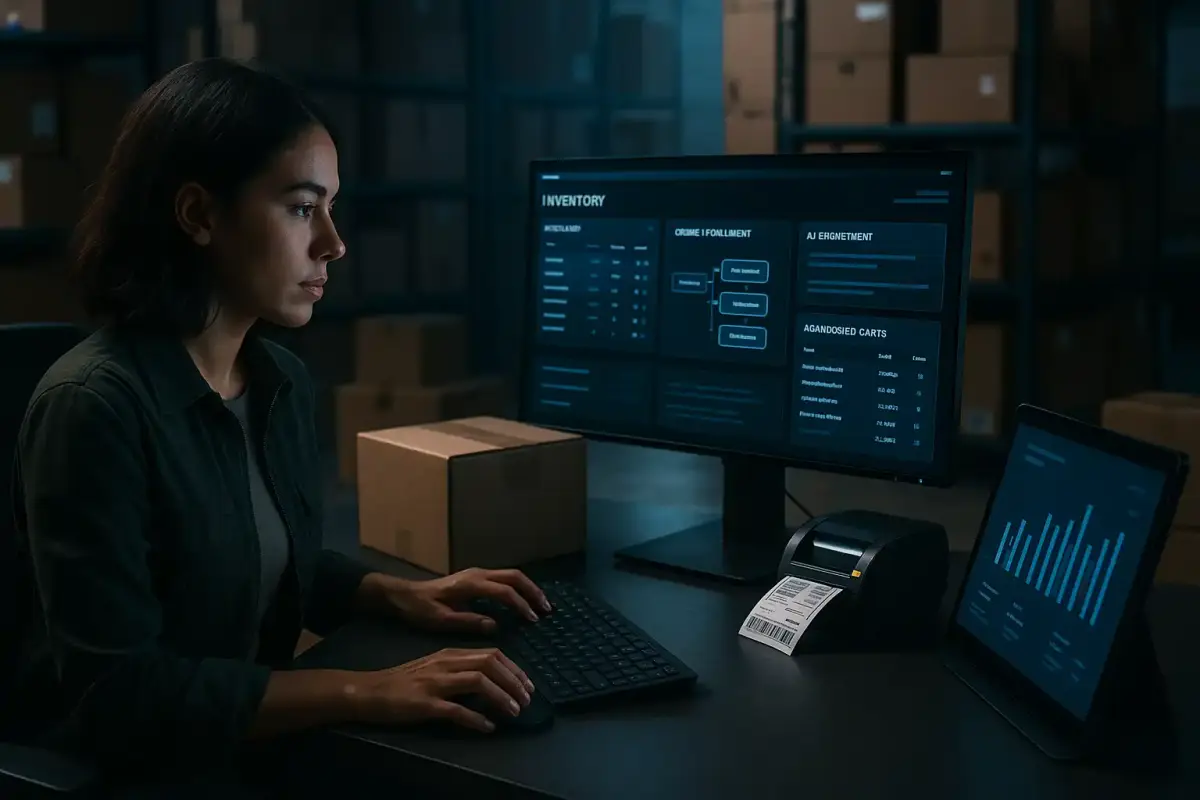
Running an online store means doing the same things hundreds of times: confirming orders, answering "where is my order?", syncing stock across channels, chasing abandoned carts and reconciling payouts. AI automation for ecommerce takes that repeatable work off your team, so people spend their time on exceptions, suppliers and growth instead.
The volume keeps climbing. Canadian retailers took in $73.7 billion in e-commerce revenue in 2024, and e-commerce sales grew 9.0% while total retail spending grew 3.0%, according to Statistics Canada's annual retail report. More orders means more tickets, more returns and more places for manual work to break.
This guide covers where automation pays off first, how ecommerce automation platforms differ from point tools and custom builds, where AI adds something rules cannot, the guardrails that keep it safe, and when an ecommerce automation service is worth hiring.
Where Ecommerce Automation Pays Off First
Start with work that repeats daily and has a clear right answer. Six areas cover most of the manual load in a typical store:
| Area | What to automate | Rules or AI? |
|---|---|---|
| Order management | Routing to the right warehouse or 3PL, fraud holds, labels, tracking updates | Mostly rules |
| Inventory | Stock sync across storefront and marketplaces, low-stock alerts, reorder suggestions | Rules, with AI for demand signals |
| Customer service | Order-status answers, return and exchange requests, policy questions | AI, grounded in live order data |
| Marketing | Cart recovery, browse abandonment, post-purchase, review and win-back flows | Rules, with AI for personalization |
| Catalogue and content | Product descriptions, attributes, alt text and translations | AI, with human review |
| Finance | Payout reconciliation, refunds, invoices and sales tax exports | Rules, with AI for exceptions |
Customer service: the fastest payback
"Where is my order?" questions are predictable, high-volume and answerable from data you already hold. An AI support agent connected to your store and to carrier tracking can answer them in seconds, then hand anything angry, unusual or high-value to a person with the full context attached.
Cart recovery: revenue already in the funnel
The average documented cart abandonment rate is 70.22%, based on 50 studies compiled by the Baymard Institute. Automated recovery flows turn part of that back into orders: a reminder within hours, a follow-up the next day, and an incentive only when your margins allow one. Recovery email is only half the fix, though. Checkout friction such as surprise shipping costs or forced account creation is worth removing first.
Inventory sync: fewer oversells
Selling one stock pool across your own storefront and marketplaces is where manual updates fail. Automated sync, low-stock alerts and reorder suggestions keep listings honest, and an oversell costs you the sale, the refund work and sometimes the marketplace rating.
Catalogue content: consistency at scale
Stores with hundreds or thousands of SKUs rarely keep titles, attributes and descriptions consistent by hand. AI can draft product copy from supplier data, fill missing attributes that power filters and marketplace listings, and write alt text, while a person approves each batch before it goes live. Consistent attributes also make your products easier for shopping search and AI assistants to match to what customers ask for.
Ecommerce Automation Platforms, Point Tools and Custom Builds
A store's automation usually has four layers. Knowing which layer solves which problem keeps you from paying twice for the same feature.
1. Your store platform's built-in automation
Start here. Shopify Flow, Shopify's own workflow tool, can tag orders, hold risky ones, alert staff about low stock and trigger other apps without extra software. BigCommerce and WooCommerce offer similar triggers through webhooks and apps. If a job starts and ends inside your store, the native option is usually the cheapest one.
2. Point tools, one job each
- Email and SMS: Klaviyo and Omnisend run cart, post-purchase and win-back flows from your store data.
- Customer service: Gorgias and Zendesk centralize tickets and automate routing and replies.
- Shipping: ShipStation batches labels, compares carriers and pushes tracking updates.
- Operations and finance: ERPs such as NetSuite run inventory, purchasing and accounting for larger catalogues.
3. Integration platforms that connect the rest
Zapier, Make and n8n move data between tools that do not talk to each other: a return logged in your helpdesk updates inventory, a wholesale order lands in your ERP, a refund posts to accounting. They are quick to set up and fragile at scale, so someone has to own them.
4. Custom builds and AI agents
When a workflow crosses your storefront, marketplaces, ERP and 3PL with logic no app supports, a custom integration is often cheaper than stacking apps and workarounds. This is also where AI agents fit: software that reads a ticket or an email, looks up the order, and takes the next step.
| Approach | Setup time | Cost model | Best for | Watch out for |
|---|---|---|---|---|
| Native platform automation | Hours to days | Usually included in your plan | Work inside one store | Stops at the edge of the platform |
| Point tools | Days | Monthly plans that scale with contacts, tickets or orders | One function done well | Overlapping features and app sprawl |
| Integration platforms | Days to weeks | Monthly plans priced by tasks | Connecting several tools | Silent failures when an app changes |
| Custom build | Weeks | A project fee, then hosting and model usage | Multi-system and AI workflows | Needs a clear owner and documentation |
Where AI Adds What Rules Cannot
Rules-based automation handles "if this, then that." AI helps when the input is unstructured and someone would normally have to read it before acting.
- Ticket triage and drafting: classify the intent, pull the order, and draft a reply that cites the real tracking status.
- Returns triage: read the reason, the photos and the order history, then approve it, route it to inspection, or flag possible abuse for a person.
- Catalogue enrichment: turn supplier spreadsheets into consistent titles, attributes and descriptions, ready for review.
- Anomaly alerts: catch a sudden spike in refunds for one SKU, or a drop in conversion on one channel.
Returns show why this matters. US retailers estimated that 16.9% of their 2024 sales would be returned, a projected $890 billion, according to the National Retail Federation. Faster sorting, restocking and fraud checks on returns show up directly in margin.
Keep a person in the loop for refunds, chargebacks and anything unusual. The software does the reading and typing, and people keep the judgement calls.
Guardrails: Payments, Consent and Privacy
- Payments: keep automation out of the cardholder-data environment. Route payments through a PCI-validated gateway such as Shopify Payments, Stripe or PayPal, and never pass raw card numbers through a workflow. PCI DSS v4.0.1 added requirements for scripts running on payment pages, so keep automation and tags off the checkout.
- Consent: Canada's anti-spam law (CASL) requires express consent before commercial email or SMS, and the US CAN-SPAM Act requires accurate headers and a working opt-out on every message. Build consent checks into every automated send.
- Privacy: limit which customer data each tool can see, log every automated action, and honour access and deletion requests under the privacy laws that apply to your customers.
Tools or an Ecommerce Automation Service?
Do it yourself when you run one store on one platform, the job lives inside that platform, and someone on your team enjoys maintaining workflows. Native automation plus one or two point tools will carry a store a long way.
An ecommerce automation service earns its fee when:
- you sell across a storefront and marketplaces, with an ERP or 3PL in the mix;
- support volume is growing faster than you can hire;
- integrations keep breaking and nobody owns them;
- you want AI agents that act on live order data rather than canned replies.
A good service maps the workflow, recommends the cheapest tool that works, builds the integrations and AI pieces, tests them against real orders, and hands over documentation. That is how we approach ecommerce automation for online retailers, combining AI support agents with order and workflow automation. Builds start at $3,000, most go live in 2 to 6 weeks, and you own everything we build.
How to Measure Whether It Worked
Automation that nobody measures quietly degrades. Record a baseline for each workflow before launch, then check the same numbers monthly:
| Workflow | Metric to track | Where to find it |
|---|---|---|
| Customer service | Share of tickets resolved without an agent, first-response time, satisfaction score | Your helpdesk reports |
| Cart recovery | Recovered orders and revenue per flow, unsubscribe rate | Your email or SMS platform |
| Inventory | Oversells, stockouts and days of stock on hand | Your store or inventory system |
| Returns | Days from request to refund, restock time, flagged abuse | Your returns app or helpdesk |
| Everything | Staff hours spent on the task each week | A simple before-and-after time log |
If a number stops improving, the usual causes are an app update that broke a step, a new edge case the rules do not cover, or a change in your catalogue or policies that nobody passed on to the automation.
A 30-Day Plan to Get Started
- Week 1, measure: pull a month of tickets, returns and order exceptions, and count the hours each category takes.
- Week 2, pick one workflow: order-status answers or cart recovery are the usual winners. Define success in numbers.
- Week 3, build and test: start with native automation, add a point tool or integration only where needed, and test on real orders before customers see anything.
- Week 4, launch and review: compare results against your baseline, fix the edge cases, then choose the next workflow.
If you want a second opinion on where to start, book a free 30-minute discovery call. Bring your store's numbers, and we will tell you which jobs your platform already covers and which are worth automating.