TL;DR
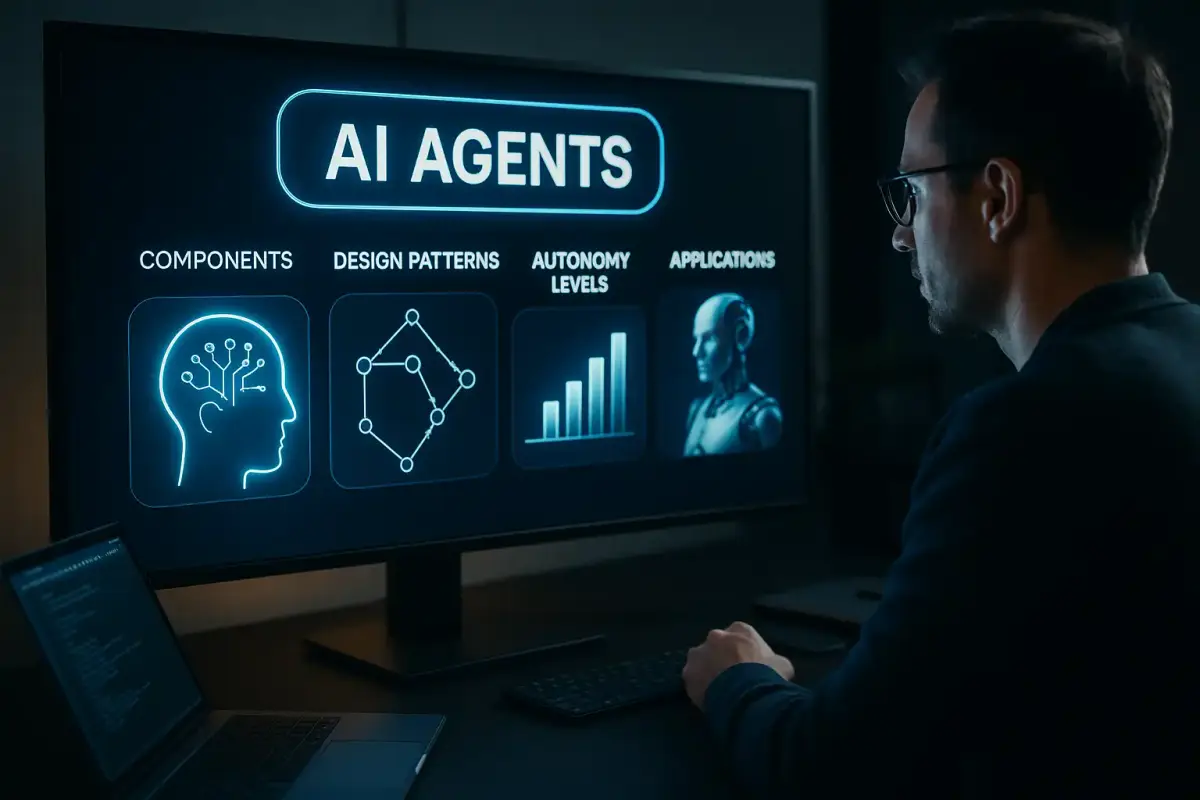
An illustrated guide to AI agents should show how an agent turns a goal into actions through planning, tools, memory, data, and feedback. This guide explains that operating loop, compares common architectures, maps autonomy to risk, and covers the safeguards required for reliable business deployment.
What Is an AI Agent?
An AI agent is software that pursues a goal, decides what to do next, and takes actions through connected tools. It may work autonomously or pause for human approval when an action is sensitive.
Most modern agents use a large language model, or LLM, as a reasoning and decision layer. The model interprets instructions, examines available context, selects an action, and evaluates the result. An agent runtime manages this loop and determines when the task is complete.
This makes an agent different from a basic chatbot. A chatbot usually returns an answer to a prompt. An agent can retrieve records, call an application programming interface, update a workflow, generate a file, or delegate work to another agent.
IBM’s AI agent overview describes agents as systems that can design workflows and use available tools to complete tasks. That workflow-level control is the defining feature.
| System | Primary behaviour | Typical output |
|---|---|---|
| Chatbot | Responds to each prompt | Text, images, or code |
| RAG application | Retrieves relevant knowledge before responding | Grounded answer |
| AI agent | Chooses and executes multiple steps | Completed task or workflow |
What Does An Illustrated Guide to AI Agents Need to Show?
It needs to show the control loop rather than an LLM surrounded by tool icons. Readers should see how goals, decisions, actions, observations, state, safeguards, and human approvals connect.
A useful diagram begins with an objective. The agent interprets that objective and creates a plan, either explicitly or one step at a time. It then selects a tool, performs an action, and observes the result. New information updates its working state before the next decision.
The simplest visual loop looks like this:
- Goal: A user or system defines the desired outcome.
- Context: The agent receives instructions, permissions, and relevant data.
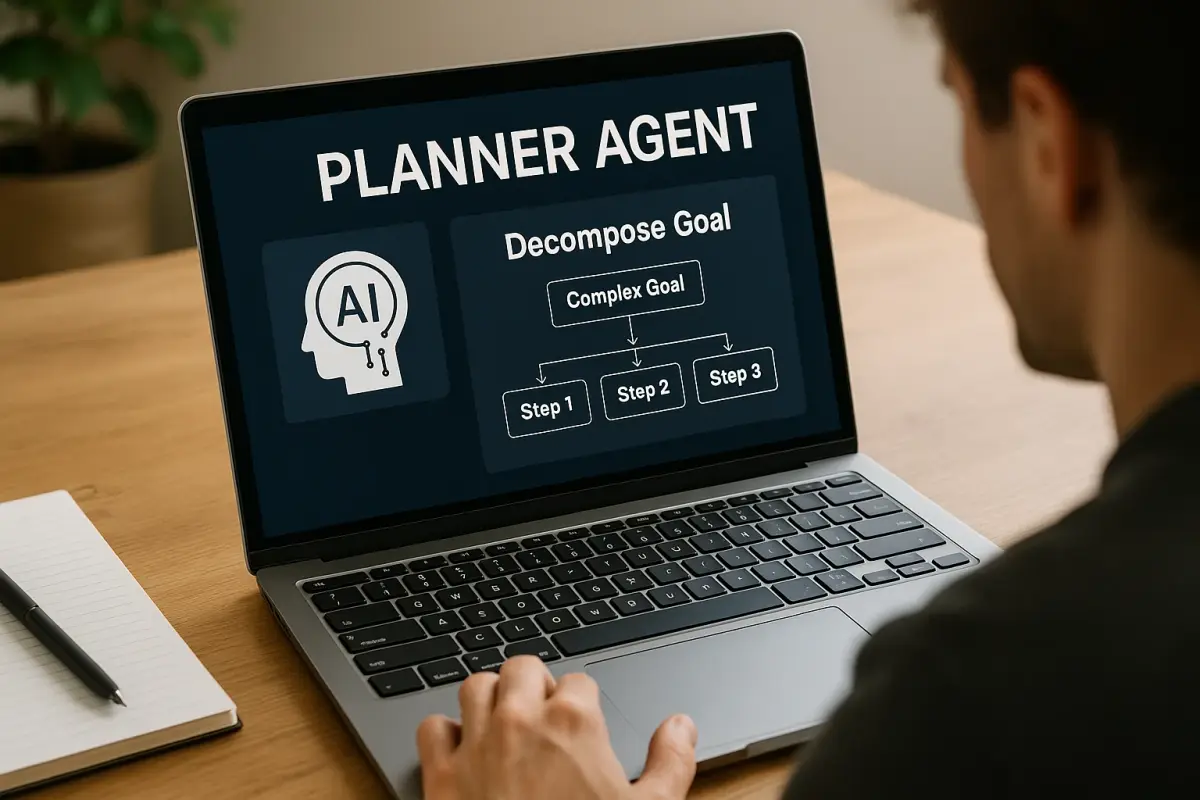
- Plan: It selects the next step or decomposes the goal into subtasks.
- Action: It calls a tool, another agent, or an operational system.
- Observation: It checks the result and updates its state.
- Control: It continues, requests approval, corrects its approach, or stops.
Use an illustrated guide to AI agents when explaining systems to business and technical stakeholders together. A clear flow exposes hidden assumptions about permissions, data access, failure handling, and accountability.
In our architecture work, we map the action loop before selecting a framework. This keeps the design focused on the business outcome instead of a vendor’s feature list.
Core Components of an AI Agent
A production agent is a modular system. Its quality depends on how well its model, tools, data, memory, orchestration, and controls work together.
- Instructions: Define the role, objective, operating rules, and completion conditions.
- Model: Interprets context and helps decide the next action.
- Tools: Connect the agent to search, files, databases, APIs, software, and physical systems.
- Memory and state: Preserve intermediate results, prior actions, user context, and workflow progress.
- Knowledge: Supplies trusted information through retrieval-augmented generation, structured records, or operational systems.
- Orchestration: Routes tasks among tools, models, agents, and people.
- Guardrails: Validate inputs, outputs, permissions, policies, and proposed actions.
- Observability: Records decisions, tool calls, errors, latency, and outcomes for evaluation.
Memory does not automatically mean that an agent learns permanently. Working memory may last only for a task or session. Long-term memory requires an external store, retention rules, and a deliberate retrieval strategy.
RAG is also not an agent by itself. It gives a model relevant information. An agent adds decision-making and control flow around retrieval, tools, and actions.
We treat enterprise data access as part of the architecture, not a late integration task. An agent that receives stale, incomplete, or unauthorized data can take the wrong action with great confidence.
AI Agent Design Patterns
Agent design patterns describe how decisions and control move through a workflow. The right pattern depends on task complexity, risk, and the number of specialist capabilities required.
| Pattern | How it works | Best fit |
|---|---|---|
| Tool calling | The model selects a function and supplies its inputs | Bounded actions and data retrieval |
| ReAct | The agent alternates reasoning, action, and observation | Tasks that require iterative discovery |
| Planning | The agent decomposes a goal into ordered subtasks | Longer workflows with dependencies |
| Reflection | The system reviews output against defined criteria | Quality checks and controlled revision |
| Supervisor | One agent routes work to specialist agents | Clear domains with central coordination |
| Network | Agents pass control directly to one another | Flexible collaboration across specialties |
A handoff transfers control and relevant state to another agent. For example, a support supervisor may send an identity issue to an authentication specialist. That specialist returns a verified result before the workflow continues.
Multi-agent architecture is not automatically better. Extra agents create more prompts, handoffs, failure points, and evaluation work. In our builds, we start with one bounded agent and add specialists only when the workflow has distinct roles or context requirements.
How Autonomous Should an AI Agent Be?
An agent should receive only the autonomy that its task, controls, and consequences justify. Low-risk and reversible work can allow more independence, while financial, legal, safety, or customer-impacting actions usually need approval gates.
| Autonomy level | Agent behaviour | Human role |
|---|---|---|
| Reactive | Answers or recommends after a prompt | Directs every step |
| Assistive | Plans work and proposes actions | Approves execution |
| Bounded autonomous | Executes approved actions within limits | Reviews exceptions |
| Supervisory | Coordinates tools and specialist agents | Monitors outcomes and policy |
Deloitte found that 74% of surveyed leaders expect nearly half of their business processes to be redesigned or rebuilt around agents within four years. In the same AI readiness survey, 61% expected most agents to become generally autonomous with human oversight.
Current readiness is much lower. Only 15% had scaled orchestrated, cross-functional multi-agent adoption, and 5% reported highly prepared business processes. These figures support a measured rollout rather than an immediate jump to unsupervised automation.
We define approval points before deployment. Common gates include refunds, payments, account changes, external communications, and access to sensitive records.
How Do You Build an AI Agent?
Start with a narrow workflow that has a measurable outcome, accessible data, and clear boundaries. Then build the smallest agent loop that can complete it safely.
- Define the outcome: State what completion means and what the agent must never do.
- Map the workflow: Document decisions, systems, exceptions, approvals, and escalation paths.
- Select tools: Expose only the functions and data required for the task.
- Design state: Decide what the agent remembers, where it is stored, and when it expires.
- Add guardrails: Validate requests, tool arguments, permissions, and final outputs.
- Test failure paths: Include missing data, conflicting instructions, tool errors, and unsafe requests.
- Trace execution: Capture each tool call, handoff, decision, and result.
- Evaluate outcomes: Measure task completion, correctness, escalation quality, speed, and operating cost.
Frameworks reduce infrastructure work, but they do not replace workflow design. The OpenAI Agents SDK, for example, supports instructions, tools, sessions, guardrails, tracing, and handoffs. LangGraph represents stateful workflows as graphs. CrewAI uses role-based collaboration, while Microsoft Agent Framework emphasizes enterprise workflows and telemetry.
Model Context Protocol, or MCP, can expose tools and context through a shared interface. Each connection still needs authentication, permissions, validation, and monitoring.
Our practice is to prototype with realistic data and restricted permissions. We expand the action surface only after the agent performs reliably on normal cases and known exceptions.
Where Are AI Agents Used?
Agents are most useful when work crosses several systems and requires decisions between steps. Strong use cases have a clear objective, repeatable actions, and an escalation path for uncertainty.
- Customer support: Authenticate users, retrieve account details, troubleshoot issues, and route sensitive cases.
- Software engineering: Document legacy code, generate changes, review output, run tests, and prepare fixes.
- Research: Search internal and external sources, detect anomalies, rank evidence, and draft findings.
- Finance: Extract records, prepare credit memos, assign confidence indicators, and suggest follow-up questions.
- Operations: Diagnose equipment issues, summarize shift information, and recommend remediation steps.
- Procurement: Review contracts, compare terms, identify exceptions, and route findings to specialists.
One bank modernization program used agent squads for documentation, coding, review, integration, and testing. Human supervisors guided key stages. Early adopter teams reduced time and effort by more than 50%.
Another banking example used incident agents to resolve up to 80% of common incidents. Reported resolution times fell by 60% to 90%, while complex cases still moved to human specialists.
These examples share an important trait: the agents are embedded in controlled workflows. They do not receive unlimited access and vague instructions. Their tools, responsibilities, review points, and completion criteria are explicit.
What Makes an AI Agent Safe and Reliable?
Reliable agents combine limited permissions, trustworthy data, action validation, human oversight, and detailed audit trails. No model or framework removes the need for those controls.
Prompt injection is one concern when an agent reads untrusted content. A document, webpage, or message may contain instructions that conflict with the agent’s real objective. Tool permissions and policy checks should sit outside the model’s reasoning.
Data quality creates another risk. Agents act on the records they can access, so outdated or fragmented information can produce poor decisions. Retrieval must also respect identity, role, jurisdiction, and data retention requirements.
Useful controls include:
- Least privilege: Give each agent the minimum required access.
- Action allowlists: Restrict which tools and operations it can select.
- Approval gates: Pause high-impact actions for human review.
- Schema validation: Reject malformed tool inputs and outputs.
- Audit logs: Record state changes, handoffs, approvals, and failures.
- Continuous evaluation: Test behaviour as prompts, models, data, and tools change.
The OECD notes that AI systems vary in autonomy and adaptiveness. That principle matters in agent design because governance should rise with the system’s ability to influence virtual or physical environments.
The best agent completes useful work while remaining understandable, observable, and accountable, rather than maximizing autonomy.